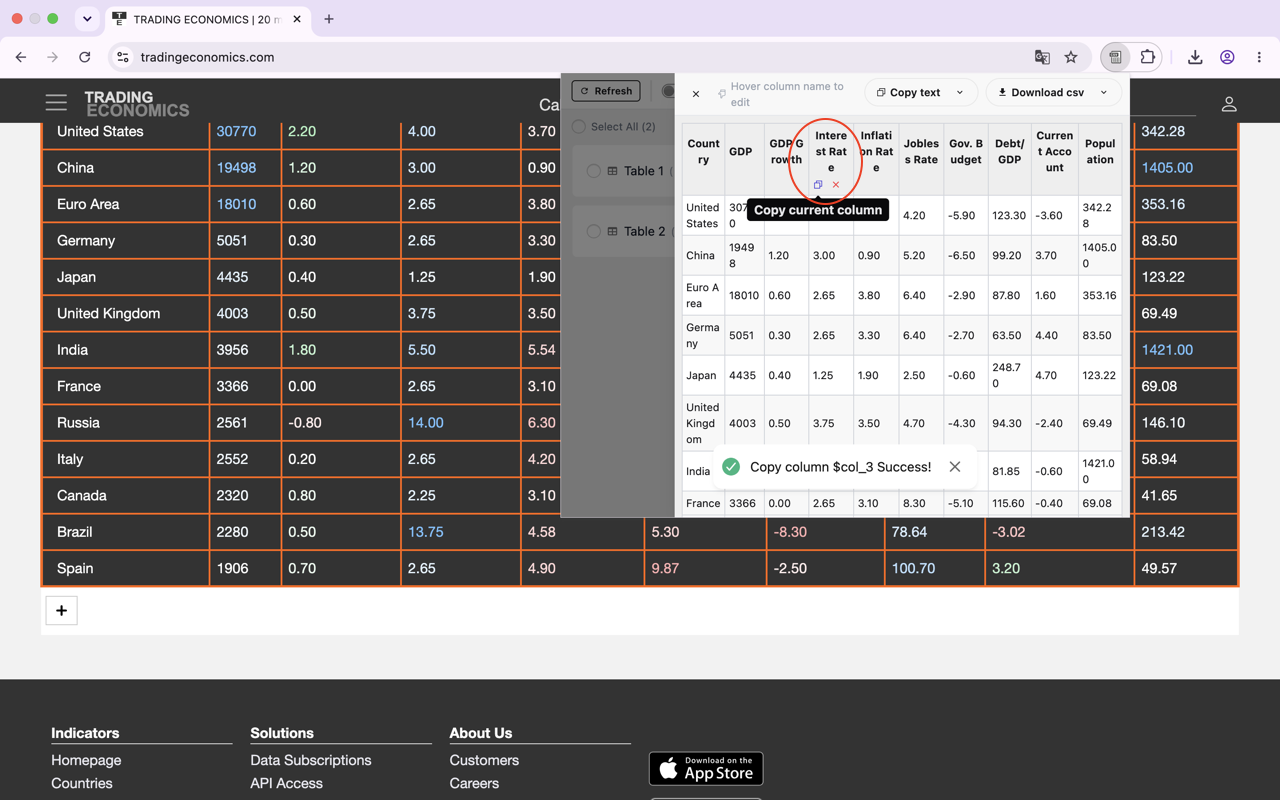
Assuming you have already installed the TableCopy extension (if you are unsure how to install it, please refer to the FAQ section in this article: How to Use the TableCopy Extension to Copy Tables).
Let’s take the well-known statistics website tradingeconomics as an example. Find a page that contains a table—for instance, this one regarding crude oil:
https://tradingeconomics.com/commodity/crude-oil
The page looks like this: it features charts and tables, with more tables further down as you scroll:
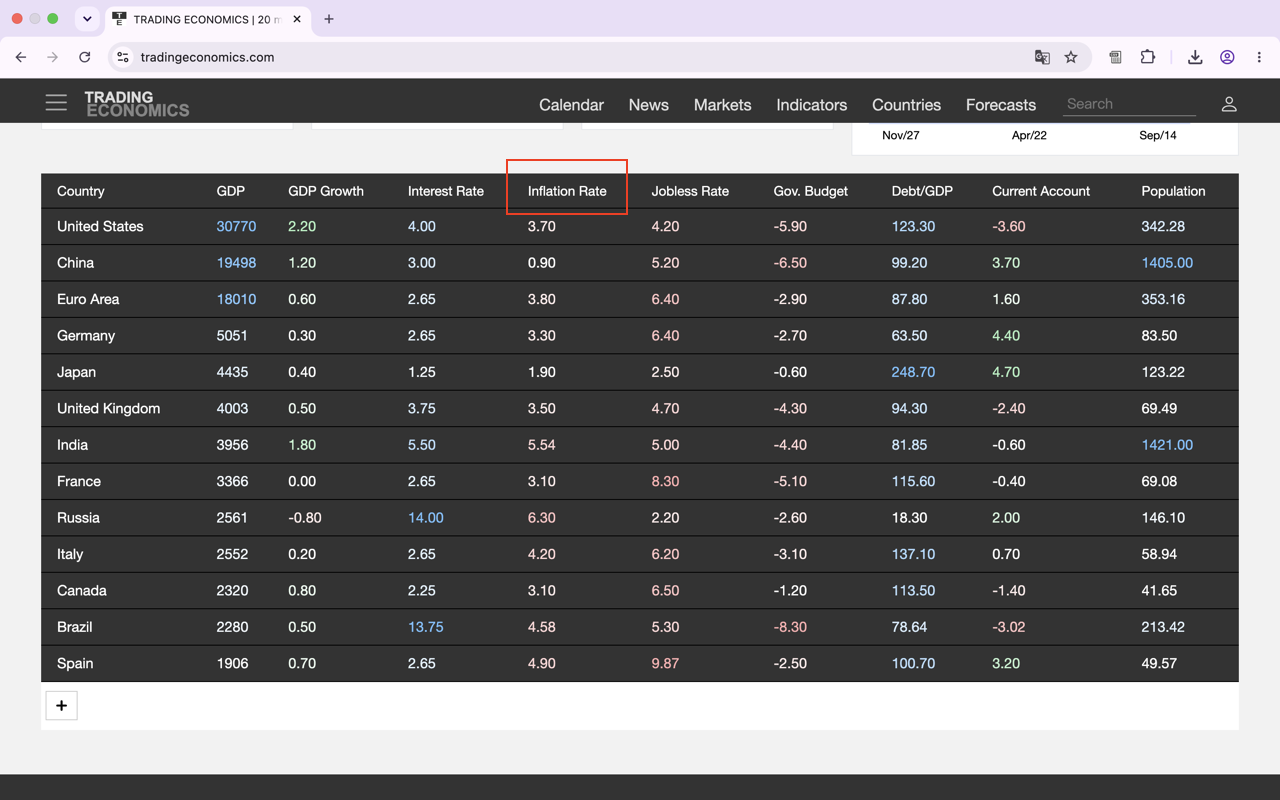
Suppose you want to copy the table on the right.
Click the "Edit" button. In the panel that appears on the right, you will see the table. Hover your mouse over one of the column headers, and a "Copy" button and a "Close" button will appear. Click the "Copy" button to copy the data in that column to your system clipboard.